24/7 Phone Support
24/7 AI Support
Multi-Lingual Support
24/7 Support
English & Spanish Tech Support 24/7
INTEGRATION
All In One Place
POS
Easy to Manage
APP
Android/iOS App
REPORTS
Detailed Reporting
ONLINE MENU
Online Orders
KDS
Screens For Kitchens
TABLETS
Tablets for Ordering & Taking Payment
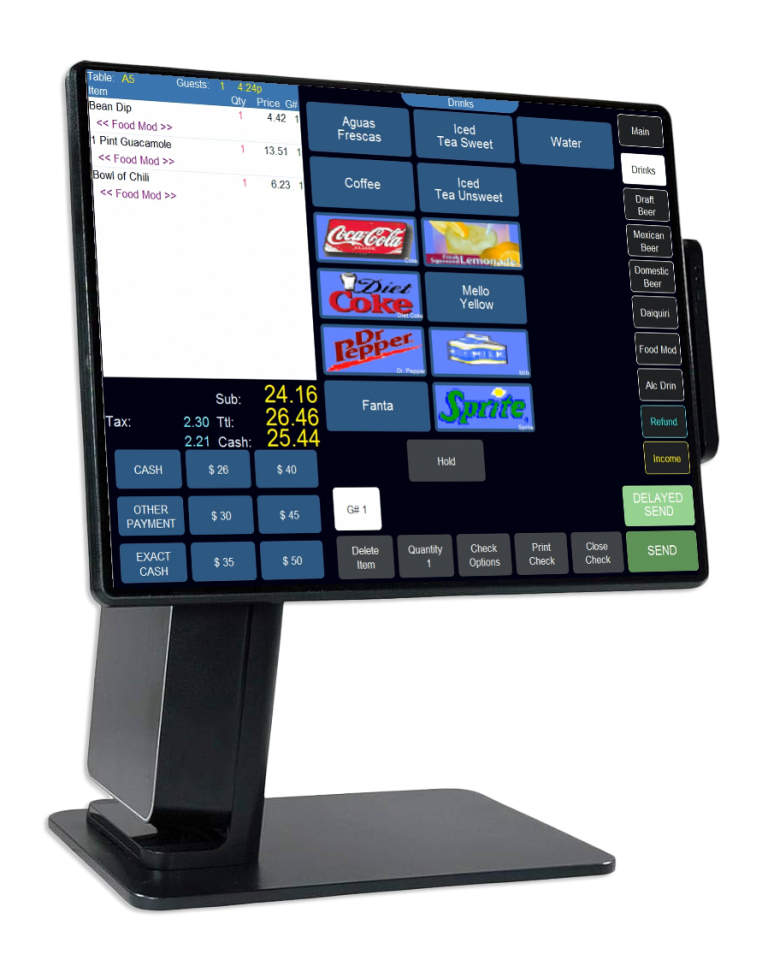
A Modern POS for Modern Restaurants.
UnoPOS lets you focus on your team delivering results, providing the right tools to drive efficiency and profitability. Our system is easy to learn, easy to use, and lets you focus on your customer while delivering the best possible experience. UnoPOS is a unique hybrid point-of-sale solution with all the durability, reliability, and functionality of a traditional POS solution, with all the features and benefits of a cloud-based solution.
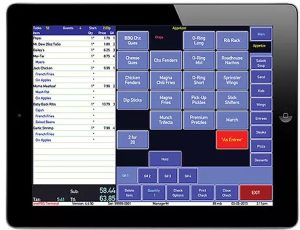
Tablets with Integrated POS
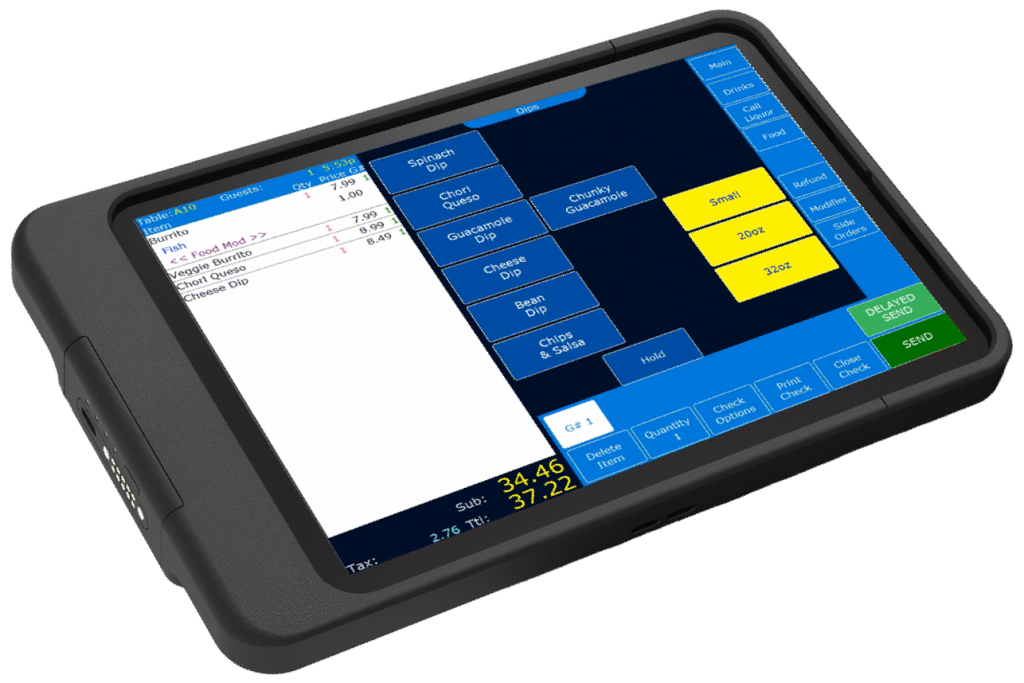
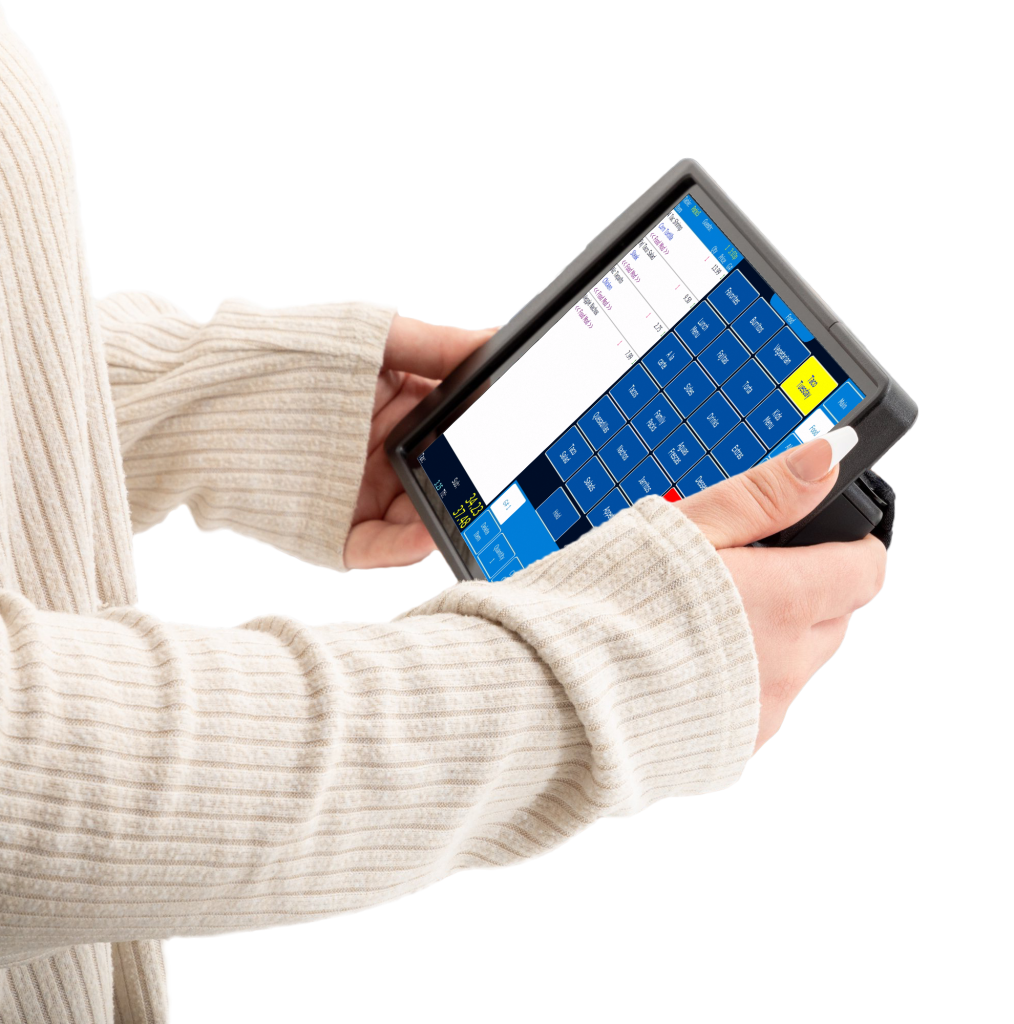
Take your restaurant to the next level by using modern tablets connected to your POS system. These intuitive and easy-to-use tools allow your team to take orders faster, reduce errors, and offer a more streamlined customer experience.
Plus, with the ability to process payments directly at the table, you can improve service efficiency and provide more personalized and professional service.
Featured Benefits
- Reduction in waiting and service times by up to 30%
- Increased staff efficiency
- Less margin for error when taking orders
- Modern and professional payment experience
- Greater opportunity for tips thanks to faster, more personalized service
Full Featured Point of Sale Solution
Windows POS
Durable windows terminals built for the most demanding installations.

Android / iOS POS
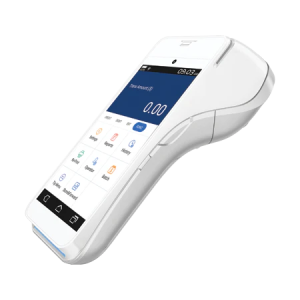
Take your terminal with you. Android and iOS terminals with integrated EMV payment. Perfect for order and payment at the table.

Kiosk
Customer-facing kiosk at the next level. Secure run over private network or internet. Flexible and moveable.

Integrated EMV Payments
Supports all of the latest payment standards, including EMV, NFC, ApplePay, Google Pay, and long time standards such as magnetic swipe.
Integrated Online Ordering
Process customer orders online with customizable web page templates with delivery fee enforcement, kitchen open and close times, and minimum and maximum order amounts.
oneView Kitchen Display System (KDS)
Enhance order accuracy, reduce food waste, reduce printer costs, and meet operational and productivity goals.
oneMetrix Cloud Management Suite
Provides operators both large and small access to their entire systems from anywhere in the world.
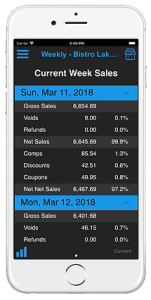
oneConnect Mobile Reporting App
View and track real-time sales data of configured locations from anywhere at any time from the convenience of your mobile device.
oneSchedule Employee Scheduling
Provides simple, efficient ways to create, maintain, and distribute your employee schedules with timeclock enforcement and shift-swapping via mobile apps.
Services
Online orders printed in your kitchen
Ordered and billed from the website or delivery service app
Total Integration
With our system, you can place orders at the restaurant, through our website, or through delivery apps.
Loyalty Card Program
We have our points program available to build customer loyalty and grow your business.
UnoPOS System with touch screens
We offer an advanced system with touch screens.
Application to manage from your office
Update employees, menus, and reports in real time without having to update or restart the system.
Discount Coupons
You can set up multiple discount options, e.g., coupons for combos only, or a $2 discount that you can apply to any product you want.
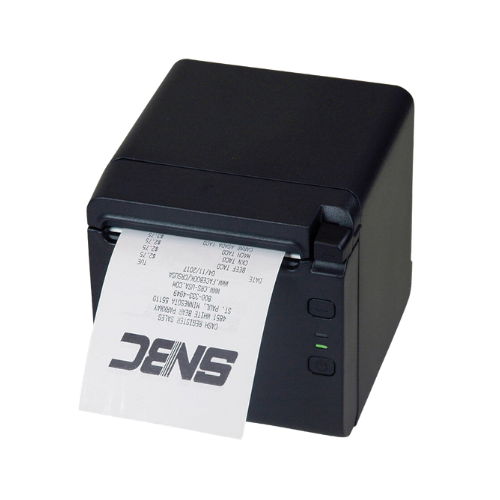
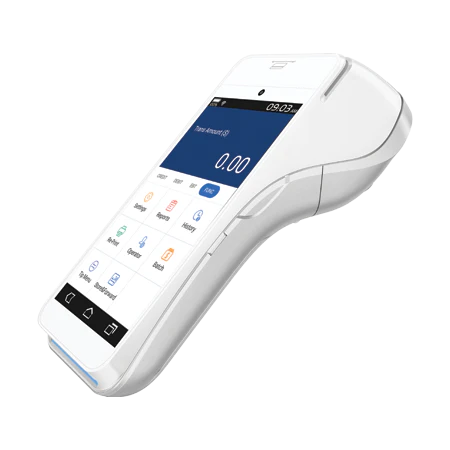
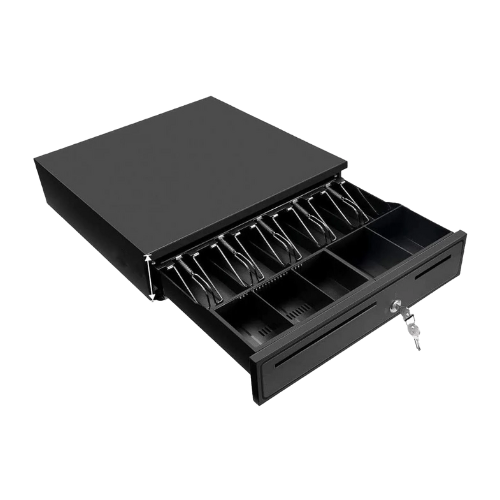
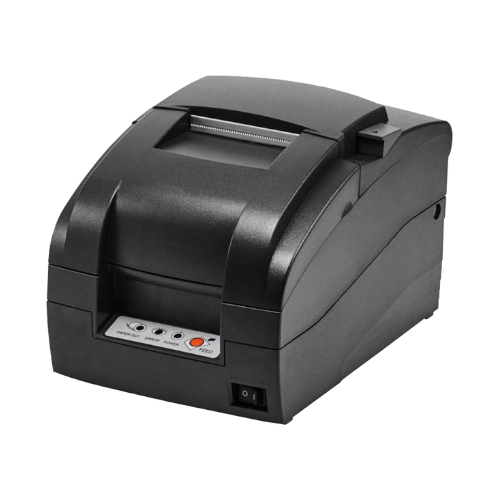
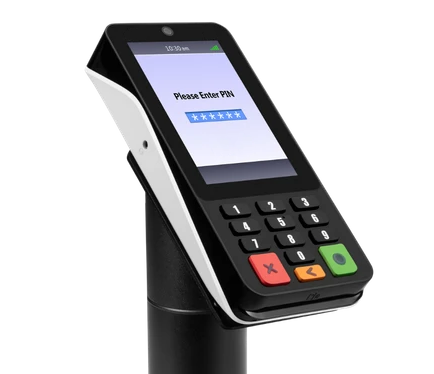
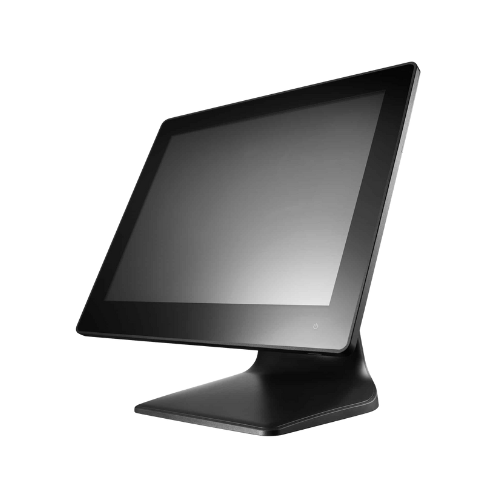
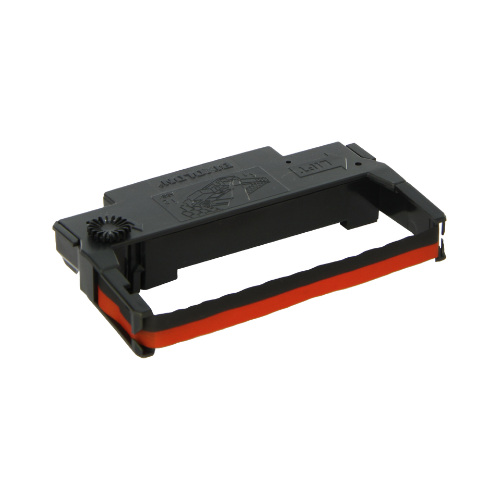
Equipment and Supplies
OneConnect: Your restaurant in the palm of your hand
1
Real-time Reporting
Check your restaurant's sales instantly from anywhere. oneConnect gives you immediate access to your business's daily performance.
2
Detailed Reports with A Click of a Button
View key reports such as sales, payroll, and employees. Make informed decisions with real-time data.
3
Security and control wherever you are
Monitor your operations without being physically present at the restaurant. oneConnect offers you peace of mind and control from your phone or tablet.
Contact Us
We're committed to providing the best possible service. We're available 7 days a week.
Send us a message to schedule a call, or call our helpline.
+1 800-996-2832

Restaurant POS FAQs
1. What is a restaurant POS system?
A restaurant POS system is the central nervous system of the restaurant. It’s the combination of software and hardware that handles everything from taking orders to processing payments and often much more. The point of sale system manages:
- Order Management: Servers punch in dine-in, takeout, or delivery orders, and the POS routes them to the right kitchen station or bar printer.
- Payment Processing: Accepts credit cards, mobile payments, cash, even split checks.
- Employee Management: Tracks staff hours, roles, and sometimes even schedules.
- Reporting & Analytics: Shows sales trends, best-selling items, labor costs, and other data that help owners make smarter decisions.
Customer Retention & Loyalty: Keep track of gift cards, loyalty programs, house accounts, and send marketing notifications.
2. How is a restaurant POS system different from a retail POS?
Restaurant POS systems are tailored for food service, offering features like table management, kitchen display systems (KDS), tip tracking, and online ordering integration—unlike retail POS systems which focus more on product barcode scanning and inventory tracking.
3. What features should I look for in a restaurant POS system?
Key features for Restaurant POS systems include:
- Order management (dine-in, takeout, delivery)
- Table layout and reservation management
- Inventory tracking
- Employee scheduling and time tracking
- Sales analytics and reporting
- Payment processing and split checks
- Online ordering and delivery app integration (DoorDash, GrubHub, etc.)
- Loyalty and rewards programs
UnoPOS has all these features available and will build out a system with the features that you need for your hospitality business!
4. Can a restaurant POS system work offline?
Yes, a restaurant POS can work offline — but it depends on the type you’re using.
Cloud-based POS systems usually need the internet, but many of them have an “offline mode”. This lets you keep taking orders and printing receipts, but it may not allow for processing credit cards while the connection is down.
That’s why Hybrid POS systems like UnoPOS are your best option. They store critical data locally while still syncing to the cloud. That means if your Wi-Fi cuts out during a busy dinner rush, you won’t miss a beat — orders, payments, and reports all keep flowing smoothly.
Traditional legacy POS systems (server-based ones) don’t rely on the internet at all, but they miss out on cloud flexibility and remote access.
5. Is it better to use a cloud-based, traditional or hybrid POS system for restaurants?
Cloud-based systems are generally more flexible and cost-effective, offering remote access, automatic updates, and easy scalability. Traditional systems may suit restaurants needing more control or with poor internet access. Hybrid POS systems offer the best of both worlds, allowing for local processing of transactions while also leveraging the cloud for data storage, reporting, and remote access.
6. How much does a restaurant POS system cost?
Costs vary widely based on features and size of the operation. Expect:
- Software: $50–$300/month
- Hardware: $500–$2,000 (per terminal)
- Setup and training fees may also apply.
UnoPOS is currently offering free hardware for restaurants that qualify. Book your free POS demo today to learn more!
7. Can I integrate my restaurant POS with other tools?
Yes, our Restaurant POS systems integrate with:
- Accounting software (e.g., QuickBooks)
- Online ordering platforms (e.g., Uber Eats, DoorDash)
- Reservation systems (e.g., OpenTable)
- Payroll and HR software
8. Can I customize my restaurant POS system for my restaurant?
Yes. UnoPOS is one of the few restaurant point-of-sale systems that offer custom POS development for your restaurant. We can set up specific menu modifiers and/or ticketing workflows to fit your menu and business model. While most restaurant POS solutions are sold as-is, UnoPOS will customize your system for you!
9. How long does it take to train staff on a new restaurant POS system?
Most modern POS systems are designed for ease of use. Staff can typically be trained in a few hours, though full adoption may take a few days depending on the system’s complexity.
10. Do I need to buy new hardware?
Some systems require proprietary hardware, while others can run on tablets or existing devices. Cloud-based POS platforms often support iPads or Android tablets. UnoPOS does it all, allowing you to retrofit existing hardware, install new software, or work off of Android or iOS devices.
11. What point of sale support options are available for my restaurant?
Look for 24/7 phone support plus onboarding, training, and a help center. UnoPOS has the best support options available on the market, providing live agents 24/7 that can help customers in English or Spanish.